
Viewed 444 Times
0 Comments
Date : 15.06.2020
Windows Setup
For Windows computers, use the NWEA PC Version browser.
To install on a PC:
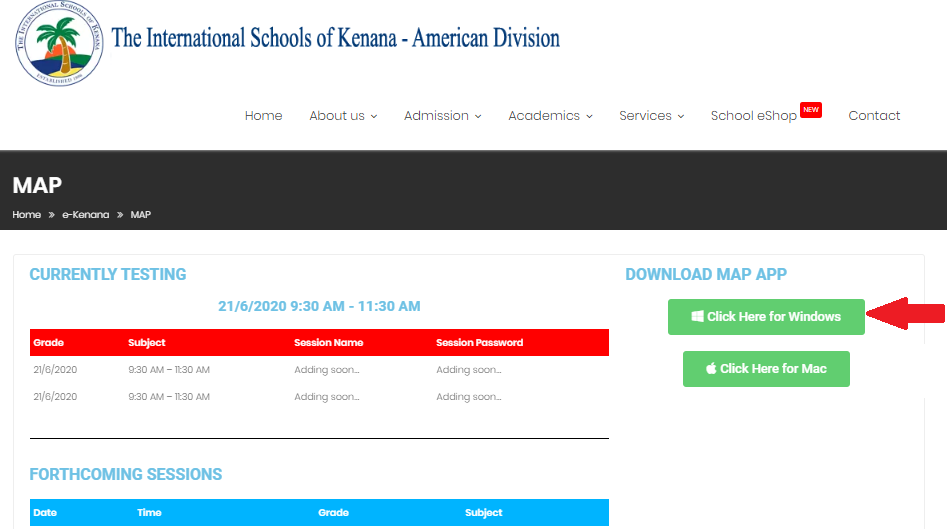
1.Click “Save File”.

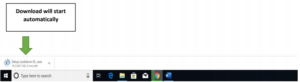
2.Download will start automatically.
3.Click “Next”.
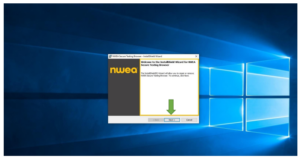
4. Click “Install”.
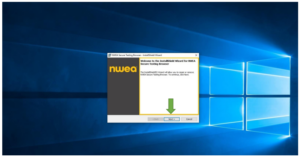
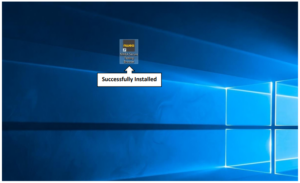
5. Successfully installed.
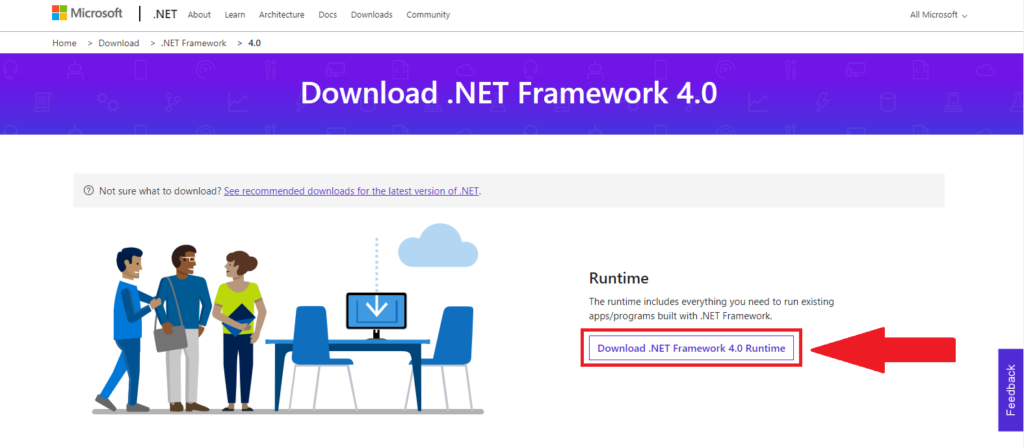
-In case you have faced this error “NWEA Secure Testing Browser require that your computer is running the .NET Framework v.4.0 ” use the following link to download it .
Was this answer helpful ?
Yes
(2)
/
No
(0)